★★★★★Google Play
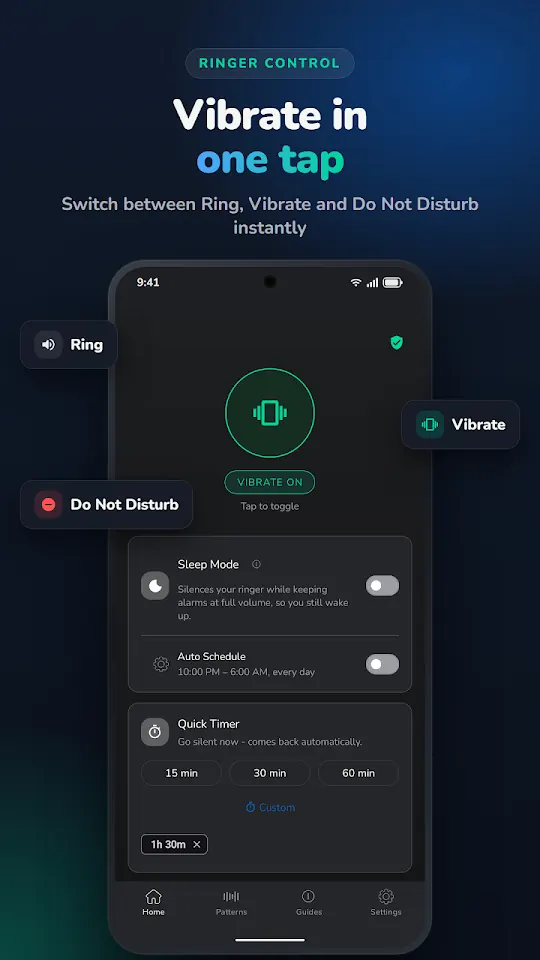
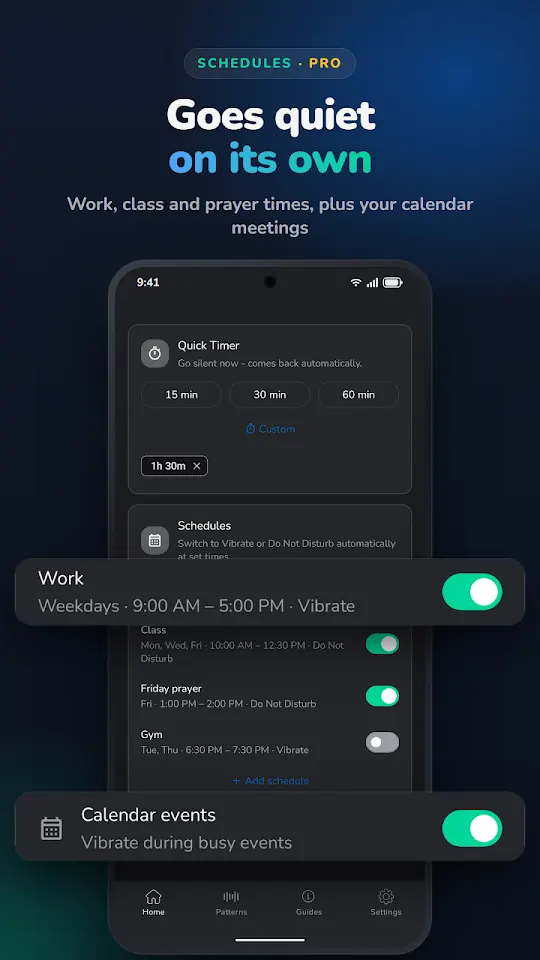
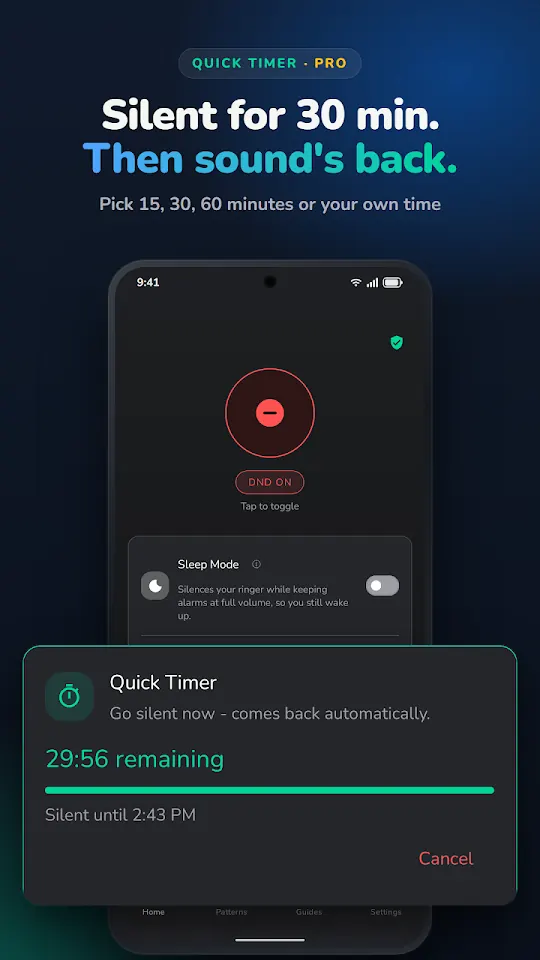
Outstanding. Does so much more than its name implies - I especially appreciate the timer function that turns Silent mode off after a set or custom duration that I use for meetings. Also offers a WiFi toggle - Love the layout/look of interface, the widgets are simple and elegant without goofy graphics and colors. I have 3 on my homepage, WiFi / Vibrate / Timer. 25 Stars for the app and its creator.
PPhillip SingerVibrate Mode · Oct 2026
★★★★★Google Play
The developer is very responsive and open to new requests/enhancements. Great app
TTom HowardVibrate Mode · Oct 2026
★★★★★Google Play
Sometimes I forget that it's a seperate app. Feels like a built in feature
SSiva kishoreVibrate Mode · Oct 2020
★★★★★Google Play
They now labeled a regular feature - pro. I was pissed and tried 7 similar apps, but they suck. Finally, I was like, screw that, I'm gonna purchase it, it's a one-time payment anyway, and it's not expensive either. And I mean - it's worth it. Great and super useful app!
VVladimir ŽunićVibrate Mode · Jul 2026
★★★★★Google Play
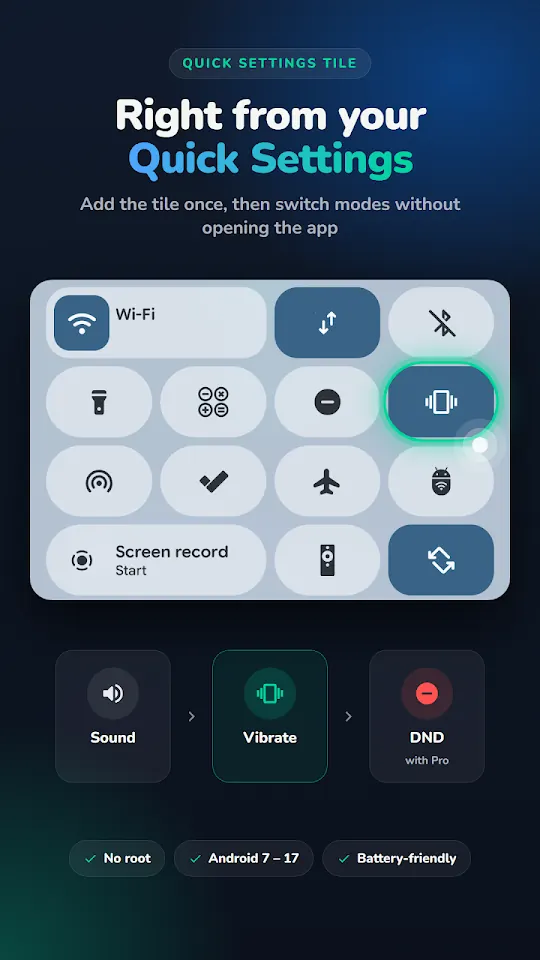
The tile works as expected. Being able to put the phone to ring/vibrate by pressing on the tile, instead of using the volume buttons, is a great shortcut that every Android phone should have.
LLuis Rodríguez RomeroVibrate Mode · Mar 2025
★★★★★Google Play
Vibrate toggle in quick settings work flawless. The widget for vibrate and lock screen also works great! No ads is really good! but for lock screen widget I would have liked a customisation option! right now it locks phone and does not allow u to unlock with finger print it only ask fr pin! ( I still use it but I would have liked an option)
AAdithya VVibrate Mode · Oct 2025
★★★★★Google Play
I appreciate the developer's efforts with this free app. The developer recently responded to an old review, and by chance I had recently reinstalled the app. it seems much improved. the icon behaviour seems right. I initially found the icon label "vibrate mode" to be confusing when your phone is not silenced, but I guess that's either the name of the app, or it's signalling that your phone will vibrate when it rings. Either way I can live with it, a tentative 5 stars awarded.
AAlan HartVibrate Mode · Oct 2026
★★★★★Google Play
Best toggle switch for pixel phones. A single tap put my phone into vibrate mode.
KKrishna Murty ChikkamVibrate Mode · Oct 2025
★★★★★Google Play
Exactly what I wanted. No tile for vibration mode in Android 12 and this app solves te problem. Thanks! 👏🏻
JJoa Fernández SilesVibrate Mode · Oct 2022
★★★★★Google Play
Great app, it works well! I removed one star because the new tile icon doesn't make sense. It should always look like the vibrating phone icon because that is what you are toggling on and off. Now if your phone is not on vibrate, it will show a megaphone to signify it will make it loud, when really it should show what the action will switch to. I'm nitpicking but still.
VVictor T.Vibrate Mode · Jul 2026
★★★★★Google Play
Just one touch and you can toggle between ring and vibration without opening the app. Also, you can add it in your screen bay just like your default widgets. Hastle free app.
GGaurav KumarVibrate Mode · Jul 2022
★★★★★Google Play
Works great! Allows me to quickly toggle vibrate mode. Also, the developer recently changed the icon set to match. Looks great! 5 stars now!
BBen StewartVibrate Mode · Sep 2026
★★★★★Google Play
Does the job perfectly, with no ads.
KKrishna TejaVibrate Mode · May 2026
★★★★★Google Play
Does exactly what it's supposed to do. Thank you dev for providing this app as my ROM was lacking this QS tile.
GA Google userVibrate Mode · Feb 2019
★★★★★Google Play
This app works well if you are unable to get into your phone's settings or if your device suffers from the "stuck on silent mode glitch". Edit: After deleting the app the Icon will still show up in your short-cuts for futuer use.
GA Google userVibrate Mode · Oct 2019
★★★★★Google Play
Great utility. Appreciate the new icon with sound on
IImran SuhridVibrate Mode · Jul 2026
★★★★★Google Play
Seems that it works and has a nice haptic response.
GGrigoryVibrate Mode · Apr 2026
★★★★★Google Play
great option. even better would be sound - vibrate - silent .. three modes in one button
TThumb SocialVibrate Mode · Sep 2025
★★★★★Google Play
this is what I wanted, please add dark background like 0% transparency
MMohammed YasirVibrate Mode · Sep 2025
★★★★★Google Play
Does what it says
SSaif HussainVibrate Mode · Feb 2026
★★★★★Google Play
loved it
NNadia NisaVibrate Mode · Oct 2026
Copied word for word from Google Play. Typos included.