NotchWin for Windows 10 & 11
The notch Windows never had.
A small pill at the top of your screen shows the time and battery. Hover it for quick pages, open it for a full workspace. Smooth, true-black, and light on your PC.
One-time purchase · No subscription · No account
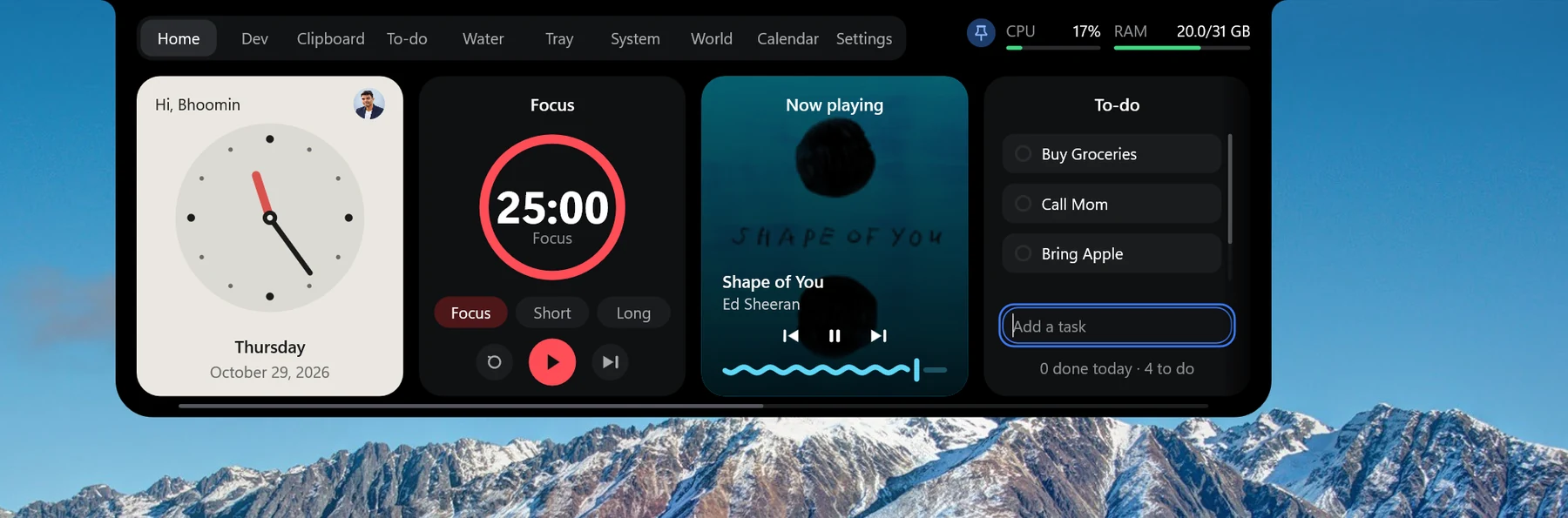
Quiet until you need it
Three sizes, one gesture each. It stays out of your way and hides for fullscreen games and videos.

Pill
Always there: battery, clock, and music bars or an alert only when there is something to show.
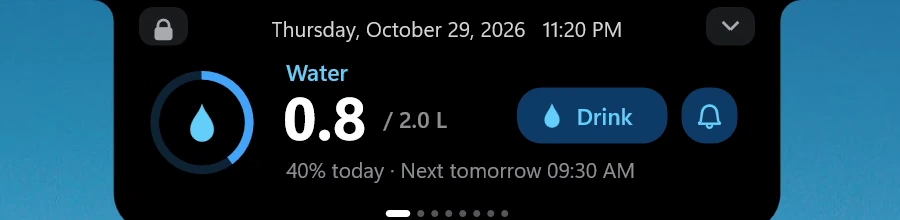
Glance
Hover for quick pages. Scroll to switch between music, to-do, focus timer, water, world clock and more.
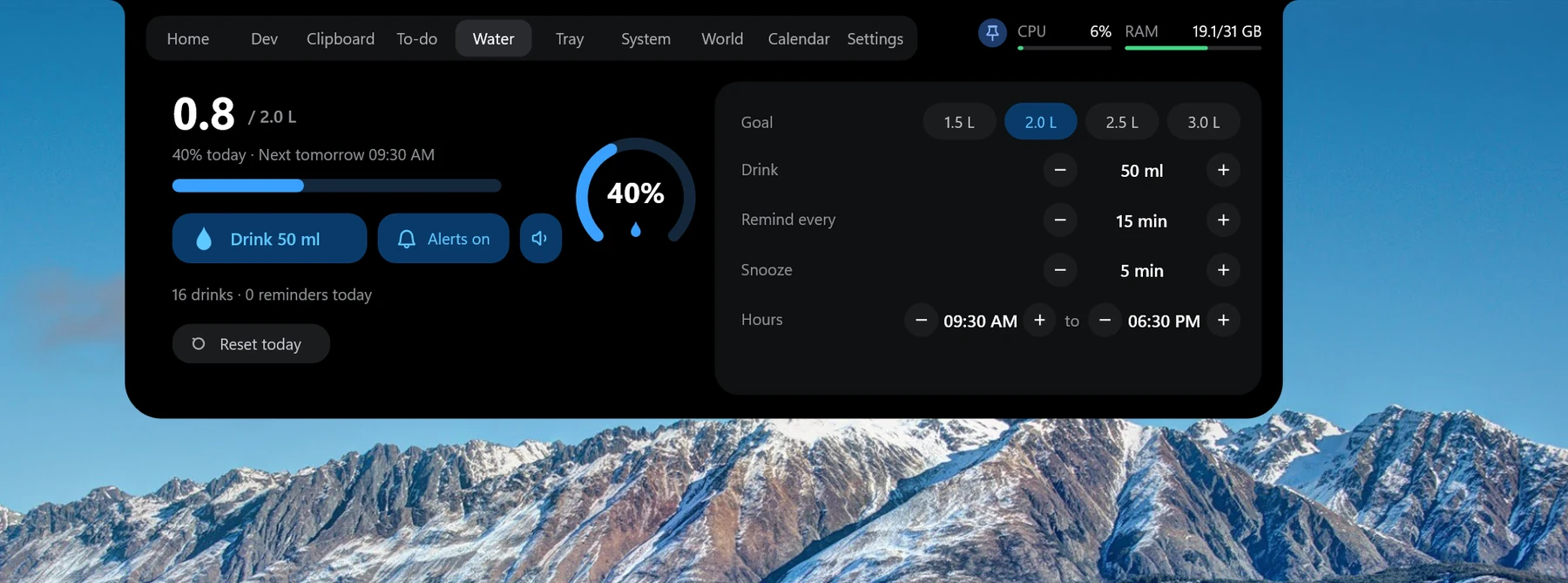
Deck
Click for the full workspace. Press Win + ` or give every tab its own shortcut.
Everything in one place
The things you reach for all day, a hover away.
Music & lyrics
Controls, album art, progress and synced lyrics for whatever is playing in Windows.
To-do & focus timer
A quick task list and a Pomodoro with focus, short break and long break.
Clipboard history
Text, links, code and images you copy, searchable. Items marked private are never recorded.
File shelf & Tray
Park files on the notch, drag them out later. Convert images and compress PNG and JPG without losing a pixel.
AI usage
See how much of your Claude, Codex, Cursor and Grok limits you have left.
Dev tools
Calculator, JSON format and minify, Base64, URL, JWT, UUID and hashes. All local, nothing is sent.
CI & deploy status
GitHub, Vercel and Cloudflare at a glance, with a status dot and an alert when something starts failing.
Sales & subscriptions
Gumroad sales and RevenueCat subscribers in the Deck, with per-product totals and a green alert when a new sale or subscriber arrives. Customer names and emails are never read.
Water reminder
A daily goal, active hours and a soft chime that never nags.
Clocks & calendar
Several clock styles, up to 8 world cities, and a calendar with your country's holidays.
CPU & RAM
Live usage in the Deck, plus a one-click RAM cleaner that never closes anything.
Alerts
Volume, brightness, Caps Lock, charger, battery, network, Bluetooth and your Windows notifications.
Make it yours
Hide, show and reorder pages and tabs, pick the monitor, and map your own shortcut to any tab.
Get NotchWin
Pay once and keep it. Your license key arrives with your Gumroad receipt, and updates install quietly.
Buy on GumroadRequires Windows 10 or 11 (64-bit). One PC at a time, and you can move your key up to 2 times a month. Windows may show a SmartScreen warning the first time: choose More info > Run anyway.